Game Guides
Mycopunk 1.0: 7 Biggest Changes Returning Players Should Know
Returning to Mycopunk for 1.0? Catch up on seven important changes, including the Mycologist, new equipment, X11-B, and upgrade adjustments.

 Add Gaming.net to your preferred sources on Google
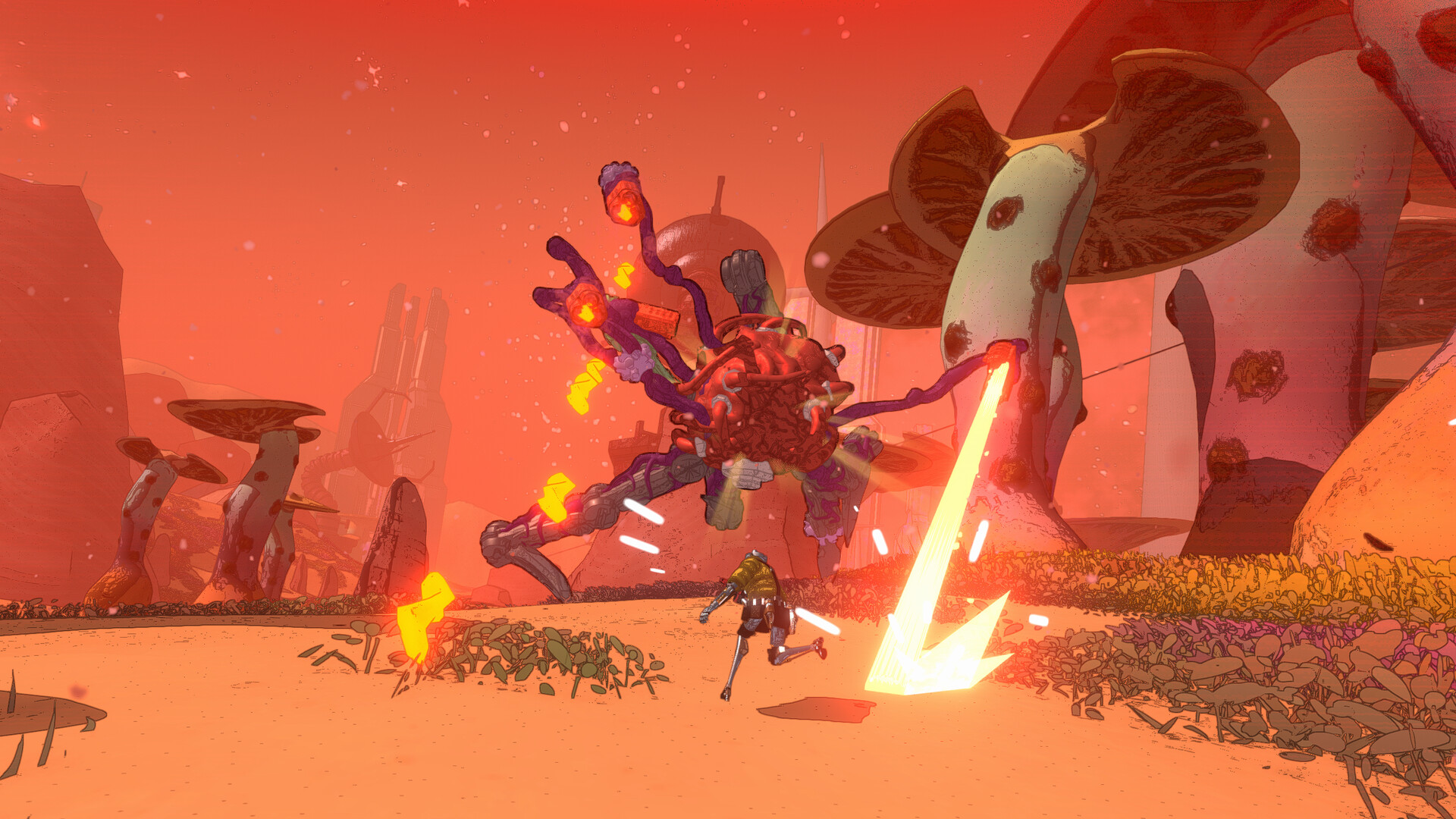
Coming back to a co-op shooter is easier when your favorite loadout still makes sense. Mycopunk’s 1.0 release gives returning employees a few reasons to stop at the upgrade screen before charging back into the fungal mess. There is a new employee to learn, fresh equipment to experiment with, and a destination that asks more of an experienced squad.
These seven changes come from Pigeons at Play’s official launch previews, with practical suggestions for checking your setup. Start with the changes that affect your preferred character and weapons, then branch out once the squad has its bearings.
7. The Mycologist joins the crew
The Mycologist expands the playable lineup, bringing a different approach to combat and a set of character upgrades. That gives returning groups a new choice when deciding who will bring what to a mission.
Give yourself a familiar task while learning her. Pick somewhere you already understand, keep the rest of the loadout straightforward, and notice which actions help the team. If everyone swaps their entire setup at once, it becomes harder to work out what is making the difference. A little consistency makes a new employee much easier to read.
6. Infection becomes something to manage
The Mycologist uses Infection as a resource connected to her upgrades and combat rhythm. Pay attention to that relationship before assuming an old character’s habits will transfer cleanly.
Read the equipped effects together and decide what you are trying to keep under control. During a test run, watch what happens after each ability rather than judging the setup only by the final damage total. You want to understand the sequence you can repeat. Once the basic loop makes sense, change one upgrade and see whether it improves the part of the fight you actually struggle with.
5. The Diffraction Driver offers two useful ranges
The Diffraction Driver starts with a broad shotgun spread; holding its alternate fire tightens that spread for more focused shots. That distinction is worth learning before building around it.
Practice changing between those behaviors deliberately. Ask whether the target is close enough to benefit from a wider attack or whether you need precision. Resist treating alternate fire as something to hold automatically throughout a mission. A weapon with more than one useful approach rewards knowing why you chose each one, especially when another squad member is already handling the enemies nearest to you.
4. The Snowball Grenade adds a crowd-control option
The Snowball Grenade brings cryo-focused control, with upgrades that can change how it behaves. Think about the moment you want to create for the squad before throwing it.
A useful experiment is to coordinate the throw with a teammate’s next action. Decide who will move, who will keep shooting, and what you will do if the first plan leaves enemies standing. That short conversation helps you evaluate the grenade as part of a loadout. An impressive effect is more useful when everyone understands the opportunity it has opened.
3. X11-B is built to challenge experienced players
New Atlas’ moonlet, X11-B, is a new region intended to test established players. Treat the first visit as a chance to learn its demands rather than prove that your old build still works everywhere.
Agree on a modest goal for the first attempt. Learn how the environment affects movement, identify where the group becomes separated, and notice which situations drain resources. If a run goes badly, take one specific adjustment back to the loadout screen. You will learn more from changing the part that failed than from replacing everything and hoping the next attempt feels easier.
2. Familiar weapons have new upgrade possibilities
Existing equipment receives additional upgrades, including options for weapons such as the Cycler and Plate Launcher. Revisit items you previously dismissed instead of looking only at the new gun.
Start by identifying a job the team is not doing comfortably. You may want steadier damage, a safer recovery window, or a setup that is easier to use while moving. Then inspect the available effects with that job in mind. The interesting question is whether a combination supports the way you play together. Adding another complicated interaction is worthwhile only if someone can explain when it should help.
1. Old builds deserve a fresh read
Upgrade tuning and Turbocharge adjustments can alter familiar combinations. Before equipping a saved favorite, read its current descriptions and check the behavior you are relying on.
Use the first few deployments to compare expectations with results. If something feels different, isolate the weapon or effect involved before changing the whole setup. Keep a short note of what you tested and what you want to try next. Returning players have an advantage in knowing the game’s rhythm; a careful review helps turn that experience into a useful starting point for the new version.
If your group is looking for more games to rotate between missions, .our PvE co-op recommendations for PC are a useful next stop. For Mycopunk 1.0, begin with a familiar mission, read the changed effects, and make room for one new experiment at a time.