Game Guides
Phantom Blade Zero PC Requirements: 7 Things to Check Before Launch
Check Phantom Blade Zero’s PC requirements before launch, from CPU and GPU tiers to RAM, SSD storage, upscaling, and ray-tracing targets.

 Add Gaming.net to your preferred sources on Google
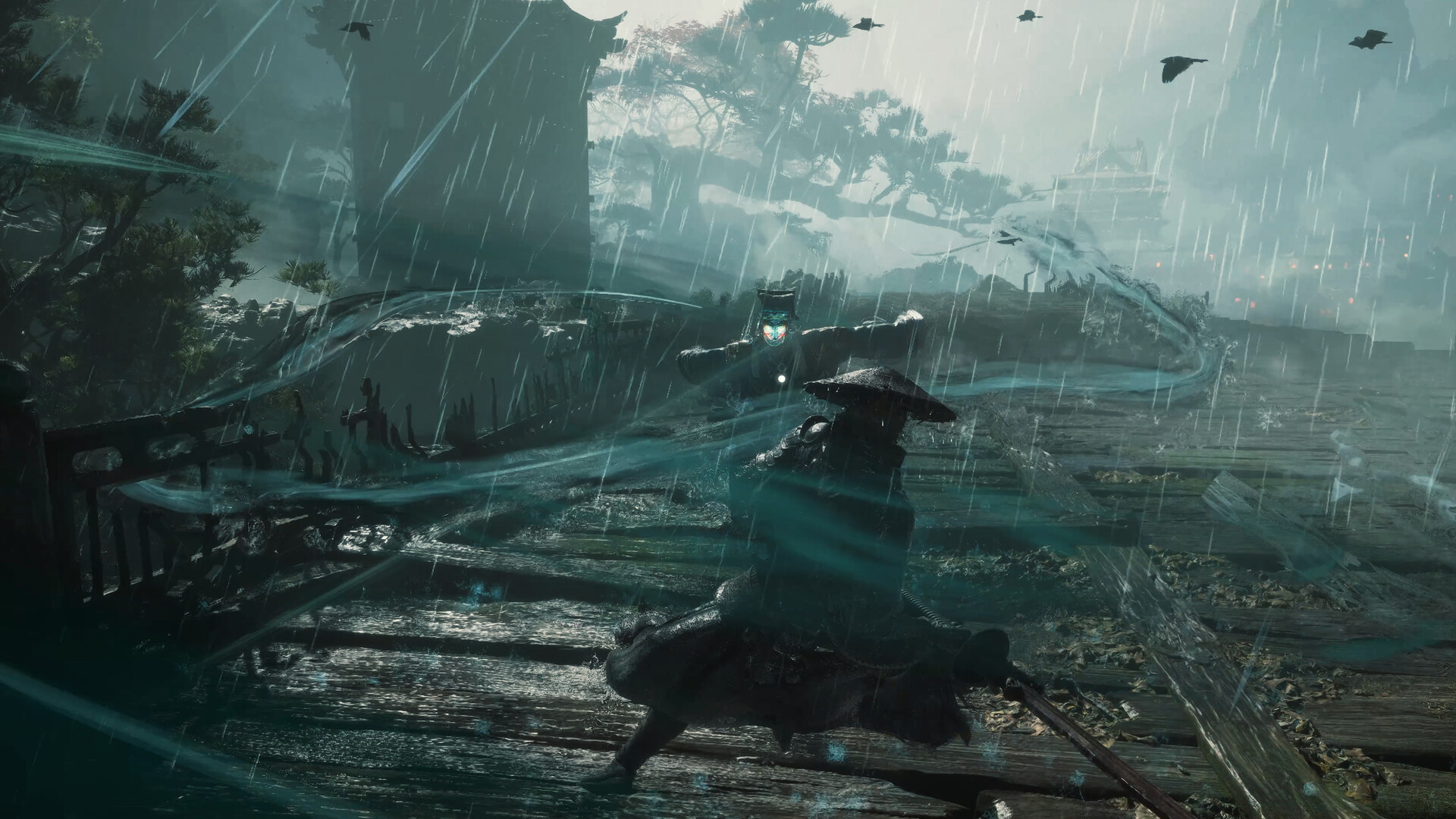
A system-requirements list is easier to use when you know which experience you are trying to reach. Meeting a minimum specification and aiming for a high-resolution presentation are different planning decisions. Phantom Blade Zero’s published targets give PC players a useful starting point, provided the conditions beside those targets stay attached to the numbers.
S-GAME lists an October 29 release and has published minimum, recommended, ray-tracing, and path-tracing requirements. These seven checks explain how to read them. The figures below are the developer’s targets; independent performance testing will need the released PC version.
7. Check the operating system and graphics API
The listed operating systems are 64-bit Windows 10 and Windows 11, with DirectX 12 required.
Check the machine you intend to use rather than relying on a remembered specification. Windows Settings can identify the installed system, while the DirectX Diagnostic Tool can help you inspect the graphics environment. If you are comparing two PCs, record the details for each one separately. A short, accurate inventory is more useful than a vague recollection that both machines should be recent enough.
6. Compare the CPU against the right tier
The minimum CPUs are Intel’s Core i7-8700K and AMD’s Ryzen 5 3600. Recommended models are the Core i5-10600K and Ryzen 5 5600X.
Copy the complete model name when checking your own processor. An i7 label alone does not describe its generation or its relationship to a newer i5. If your CPU is not one of the listed examples, use a comparison relevant to the task rather than assuming the branding settles the question. Avoid buying replacement hardware from a model-name comparison without checking the rest of the system and, when available, independent game tests.
5. Keep the GPU name and VRAM together
Minimum graphics examples are a GTX 1660 with 6GB or RX 5500 XT with 8GB. Recommended examples are an RTX 3060 Ti with 8GB or RX 6700 XT with 12GB.
Record both the GPU model and its memory capacity. Similar product names can refer to different configurations, and a desktop example should not automatically be treated as a promise for a similarly named laptop GPU. If you are checking a portable machine, look up its exact configuration. The objective is to understand the comparison you are making before deciding which target is realistic.
4. Check memory and the installation drive
Both listed baseline tiers specify 16GB of RAM and an SSD. The published page does not state an installation size.
Check available drive space again when the final download or preload information appears. Do not turn an absent storage-capacity figure into an invented number. Confirm which drive the launcher will use and whether that is the SSD you intended. For memory, check what is installed rather than treating an old purchase listing as the current specification of a machine that may have been upgraded.
3. Read the upscaling condition beside each target
The minimum target is 1080p at 30 FPS; recommended is 1440p at 60 FPS. Both explicitly include upscaling.
Keep that qualification when comparing the figures with your display or with someone else’s results. A resolution label by itself does not describe the complete rendering setup. After release, useful comparisons should identify the graphics settings and upscaling configuration used. Until those details are available, treat the requirements as a planning guide rather than evidence of a specific measured result on your own hardware.
2. Treat ray tracing as its own target
The ray-tracing recommendation names an RTX 5060 with 8GB for 1080p at 60 FPS, with upscaling enabled.
Choose the presentation goal before deciding which hardware comparison matters. A PC that matches a baseline tier is not automatically being described by the separate ray-tracing entry. Once the game is available, check what its individual options do and compare performance with consistent settings. Make one change at a time so you can understand the cost and benefit of the feature you enabled.
1. Separate the path-tracing tier from the general recommendation
For path tracing, S-GAME lists an RTX 5080 with 16GB and a 2160p, 60 FPS target using upscaling.
That is a distinct presentation tier to consider alongside the other entries. Decide whether it matches your intended experience before making it the center of a hardware plan. If you are waiting to see how the game behaves, look for tests that identify the PC, settings, and rendering conditions clearly. Comparable evidence will be more useful than a headline frame rate with no explanation attached.
Save your PC’s exact specifications, pick the target you care about, and revisit the comparison when independent launch testing is available. For more games with a similar appeal while you wait, our Games Like Phantom Blade Zero list offers several options.