Game Guides
Planet Zoo 2: 8 Best Workshop Blueprint Types to Look For
Find useful Planet Zoo 2 Workshop blueprint types, from starter habitats and staff compounds to aquariums, aviaries and welcoming zoo entrances.

 Add Gaming.net to your preferred sources on Google
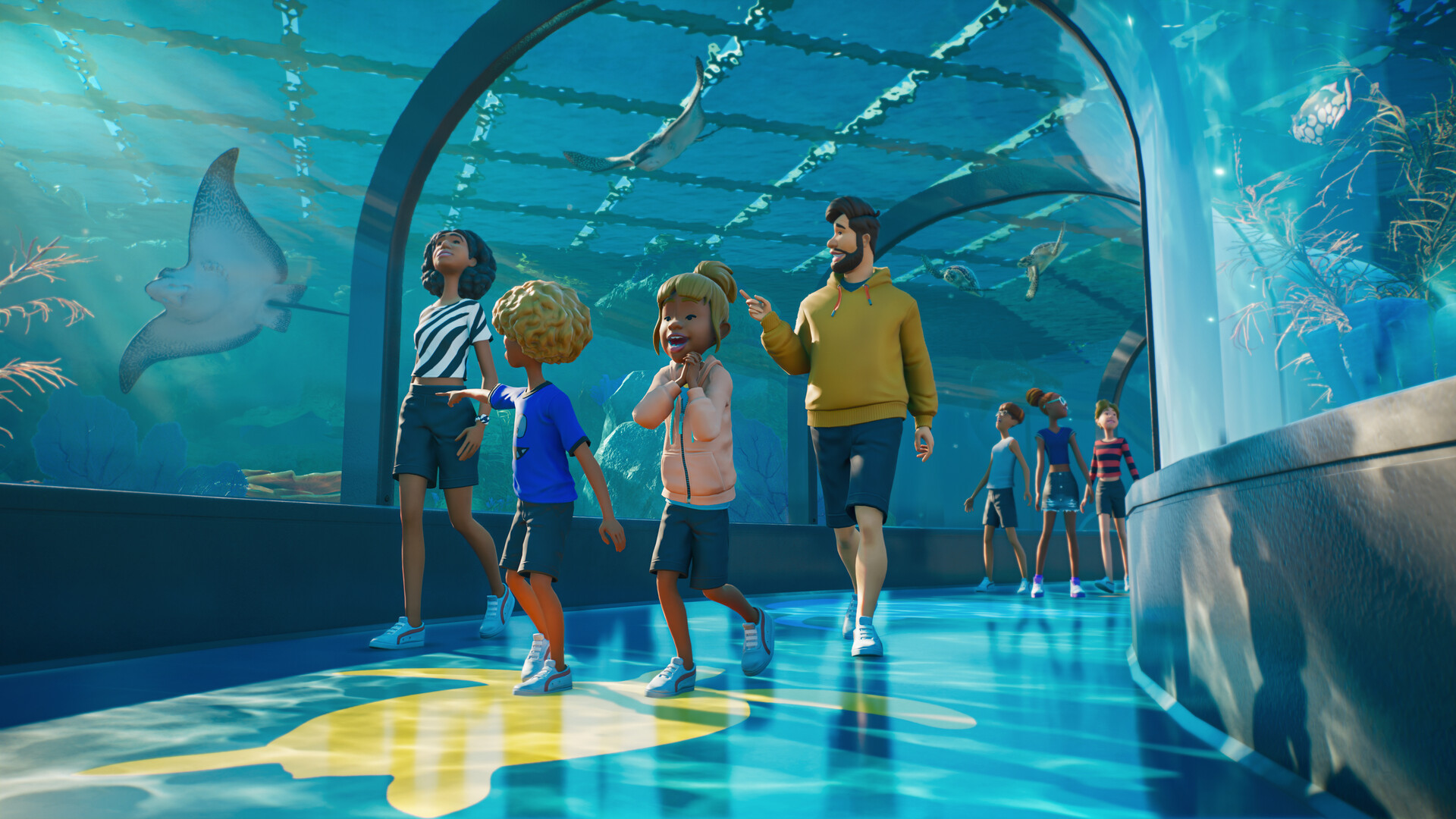
Sometimes you want to spend an evening caring for animals, and sometimes you accidentally spend it trying to finish one roof. Workshop blueprints can help get a project moving again. The trick is choosing a build that solves a problem in your zoo rather than downloading the biggest creation you can find.
Planet Zoo 2 uses the Frontier Workshop for community creations shared across platforms, as outlined in our launch coverage and Frontier’s official overview. This guide ranks useful blueprint types to search for. It does not rank named creator uploads: we have not independently verified specific launch-period creations or their placement behaviour.
When browsing, check that the upload is for Planet Zoo 2, read its description and placement notes, and confirm any listed content requirements. Look for clear previews, an appropriate footprint and a creator credit. If you share screenshots of a downloaded build, name its creator and retain the listing link where one is available.
8. Scenery and Planting Modules
Small scenery modules are a useful way to give an unfinished section a consistent visual language. Look for clearly photographed clusters of rocks, plants or architectural details that can sit beside existing paths. They are particularly helpful when a zoo works properly but the spaces between attractions still feel empty.
Check whether the plants suit the habitat if you intend to place the module inside an enclosure. For visitor areas, prioritise footprint and visibility instead. Avoid scattering elaborate copies everywhere: a repeated focal point stops feeling special surprisingly quickly. A few compatible modules are easier to adapt than a collection of unrelated masterpieces.
7. Viewing Shelters and Pavilions
A well-proportioned pavilion can finish a habitat frontage without dictating the whole enclosure. Look for an open view, a sensible footprint and enough space around the structure for a path. The best candidate complements the animals you already have rather than hiding them behind impressive architecture.
Read the creator’s description to distinguish decorative buildings from anything intended to include functioning facilities. Place the structure in a test area first and inspect it at visitor height. Adjust its position to your habitat; do not redesign a healthy enclosure solely because a downloaded roof looks better a few metres to the left.
6. Entrances and Visitor Centres
An entrance blueprint can provide an instant architectural direction for your zoo. Search for builds that show the full approach and the rear connections, not just a flattering front image. A visitor centre should leave you room to connect the park and expand the arrival area when the zoo becomes busier.
Keep the scale appropriate to the park you can afford to operate. A monumental entrance may be enjoyable in Sandbox, while a compact alternative makes more sense when money and space matter. Check what is actually included, then plan the paths and facilities around it. Attractive scenery alone does not replace a functioning entrance arrangement.
5. Guest Facility Buildings
A coherent collection of guest facility buildings can make an area feel intentional. Look for designs with readable layouts and descriptions that identify the actual facilities, where included. Having food, drink and toilets inside one visual theme is useful; understanding how to connect them is essential.
Check the footprint from several angles before committing to a location. Leave walking space around the building and confirm each functional element after placement. A decorative shopfront and a working shop are different things. Rank a download by how well it fits your current visitors’ needs, rather than assuming that a building labelled as a plaza is a complete solution.
4. Aviary Builds
Aviary blueprints are worth searching for once you have a clear species and a rough location in mind. Useful previews show the covered space, the supports and the visitor-facing side. A distinctive roof can become a landmark, but the enclosure still needs to suit the birds that will live there.
Check whether the upload is a complete intended enclosure or decorative architecture to place around one. Confirm the cover, boundaries, access and species requirements in your own zoo. Give yourself room to change the build. A spectacular canopy that cannot fit your map is less helpful than a modest aviary you can actually connect and maintain.
3. Aquarium Buildings and Surroundings
Aquarium blueprints are appealing because a convincing aquatic attraction involves more than a tank. A downloaded building or landscaped frontage can help define the guest experience while you concentrate on the animals. Look for previews that explain the viewing arrangement and show the whole footprint.
Read carefully to see whether a creation includes an aquarium setup or only its surroundings. Verify the needs of freshwater or saltwater residents before making any animal purchases. Check the finished placement in-game, including boundaries and usable access. The best choice is the one you can adapt to a suitable aquarium, not simply the largest building in the search results.
2. Compact Staff Facility Compounds
Staff buildings rarely receive the same attention as entrances, yet they can be the most useful early download. Look for compact compounds with clear access and descriptions identifying their functional components. A cohesive design helps you plan the operational side of a section before you decorate its public frontage.
Place the compound near the area it will serve, then check connections and staffing in your own park. Do not assume a blueprint automatically assigns work or fixes every service problem. Decorative screening should leave the route usable. A practical compound earns a high place because it supports the zoo you are building now and can inform the design of your next district.
1. Small Starter Habitats
For a first download, a manageable starter habitat is our best overall blueprint type to seek out. A modest enclosure is easier to inspect, connect and adapt than a vast showcase zoo. Look for a named intended species, an informative description, an honest footprint and previews that show more than the most photogenic corner.
After placing it, verify the barrier, gate, terrain, shelter and welfare requirements for your actual animals. Check access before opening it to guests, and read any placement instructions the creator provides. A blueprint is a helpful foundation, not a guarantee that the finished habitat will satisfy every resident. Choose one you understand well enough to maintain.
Try a candidate in Sandbox before incorporating it into a park with a budget you care about. Inspect what is functional, what is decorative and what you still need to connect. Once you find a build that fits, subscribe to or download it through the Workshop and adapt the surrounding space to your zoo.
For a wider look at designing attractions, our Planet Coaster 2 review discusses Frontier’s creative tools in another setting. And if you enjoy the management side as much as the construction, browse our best park management games recommendations.