Game Guides
Enshrouded 1.0: How to Build Your First Sparkworks Puzzle
Learn the basics of Enshrouded’s Sparkworks logic system with a simple door puzzle, a clear testing routine, and ideas for your next interactive build.

 Gaming.net を Google の優先ソースに追加
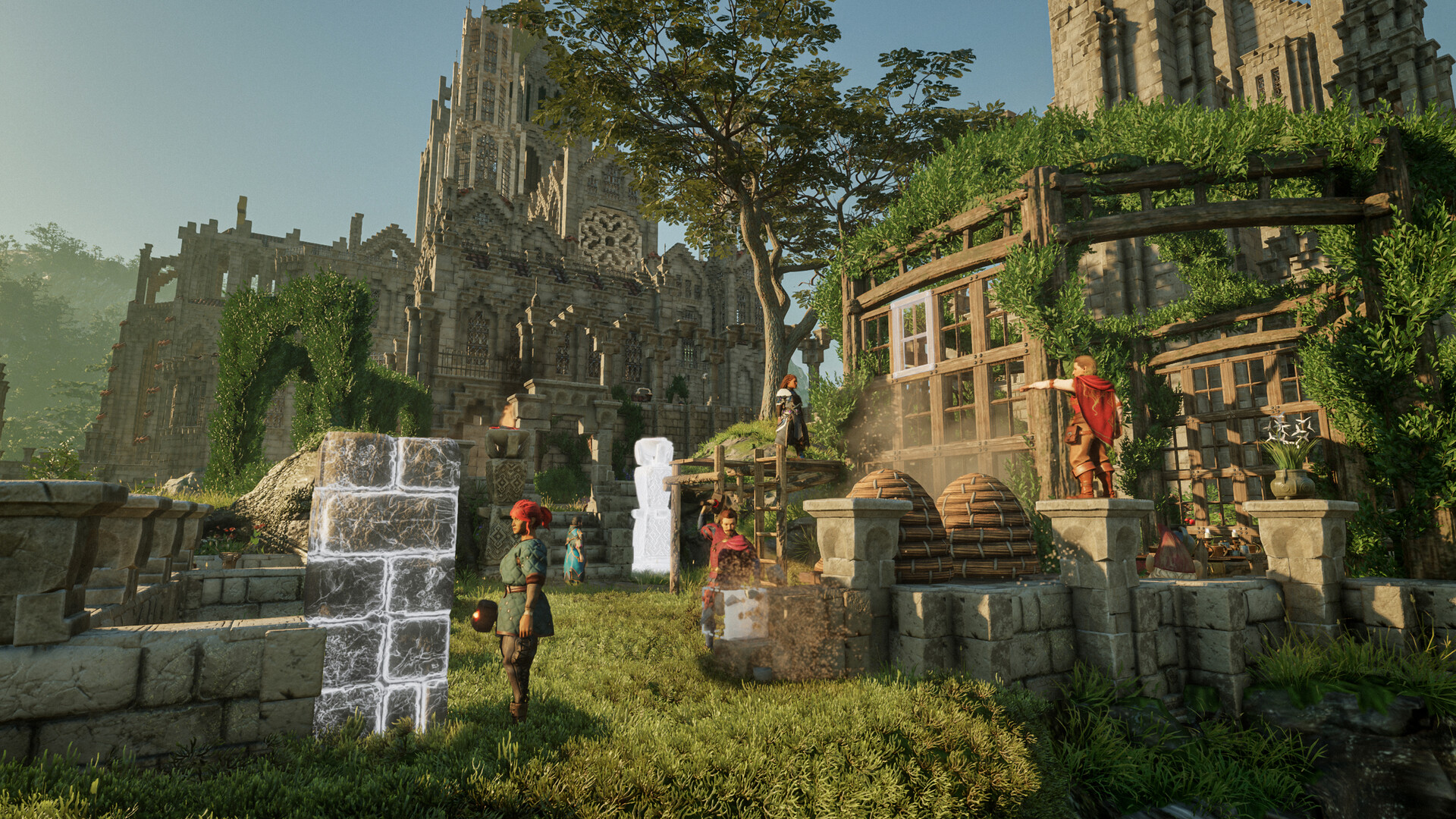
A castle becomes much more interesting when its doors, floors, and switches start working together. Enshrouded’s Sparkworks system gives builders a way to create those interactions, from a simple entrance mechanism to a dungeon full of puzzles.
The easiest first project is a small room with one input and one visible result. This guide explains how to plan that puzzle, connect its parts, and test it before adding anything more ambitious. If you are still establishing your first home, our Enshrouded beginner tips cover the wider survival basics.
Enshrouded 1.0 – Launch Trailer — Enshrouded.
What Sparkworks Adds to Enshrouded
Sparkworks arrived with version 1.0. Keen Games’ official release notes describe craftable tools and interactive props, with a 2D graph editor for configuring inputs, outputs, and behavior rules. The developer’s Sparkworks introduction gives examples such as levers, pressure plates, doors, and trapdoors.
Think of the system as a chain of decisions. Something happens, a connection carries that information, and another object responds. For your first build, make that chain as short as possible. A successful door is a better starting point than a half-finished escape room.
1. Choose a Simple Puzzle
Start with this design: the player enters a room, notices a pressure plate, and uses it to open a nearby door. Put both objects within easy view. The first challenge should teach the relationship between them, so avoid hiding the plate behind furniture or making the doorway difficult to spot.
Leave an ordinary way around the room while you work. A temporary gap in the wall lets you move between the entrance and exit without depending on an unfinished mechanism. It also makes testing much less frustrating.
2. Prepare the Tools and Props
Use the Sparkworks crafting recipes available in your save to prepare the required tools and interactive pieces. Check the recipe requirements before collecting materials, then make only what this small project needs. You can expand the room once the basic interaction works.
Begin this project once you have access to Sparkworks crafting. Follow the recipe requirements and progression guidance shown in your save, then assemble the components in a small test area before incorporating them into your main base.
3. Place the Input and Output
Position the pressure plate on a clear approach to the door. Give the player enough room to stop, look at the doorway, and understand the result of stepping forward. Keep decorations out of the walking route until the mechanism is reliable.
Your first version should answer one question: does activating this plate produce the door behavior you want? If the answer is unclear, simplify the room rather than adding another trigger.
| Part | Job in This Design |
|---|---|
| Pressure plate | The input the player activates. |
| Door | The output the player watches. |
| Graph connection and behavior rule | The relationship you configure between the two. |
4. Configure the Relationship in the Graph Editor
Use the graph editor to configure the relationship between the chosen input and output. Start with one connection, then inspect the behavior options provided for those objects. Keep your intended result in mind: activating the plate should give the player a clear opportunity to use the doorway.
Check what happens when the input stops being active, too. A door that opens while someone stands on a plate can suggest a different puzzle from a door that remains open afterward. Choose a rule supported by the available controls, and design the room around the behavior you observe.
5. Test the Room From Both Sides
Walk through the room as a visitor would. Approach the plate without using your temporary shortcut, activate it, and watch the door. Then repeat the test from the far side. Pay attention to whether the player can leave the plate, reach the doorway, and return without getting trapped.
- Test one connection at a time if the result is unexpected.
- Check which objects the graph connects before changing the rule.
- Keep the exit visible while you establish the basic interaction.
- Ask a friend to try the room without explaining the solution first.
Treat a confused tester as useful feedback. If they cannot tell which door changed, improve the layout or sightlines. If they understand the solution but cannot complete it, adjust the mechanism or route. Those are different problems, and changing both at once makes the next test harder to interpret.
Where to Go Next
Once the first room works consistently, add one new idea. Move the plate off the main route, build a second room around a lever, or plan a clearly signposted trapdoor challenge. Keep a safe version of your original room so you can compare new behavior with a mechanism you already understand.
Sparkworks is an invitation to make your base playable. Start with a readable interaction, test it thoroughly, and let the bigger dungeon grow from there. For more games that turn a shared home into a group project, see our best co-op base-building games.